T TRIPOAI

First model guide

A tripo tutorial for beginners, from idea to first model

Your first Tripo result is a starting point, not a finished asset. Choose a written prompt if you have an idea but no reference image; choose an image if the object already has a shape you want to preserve. This guide walks through both paths and shows what to inspect before you continue.

Free to start · no signup
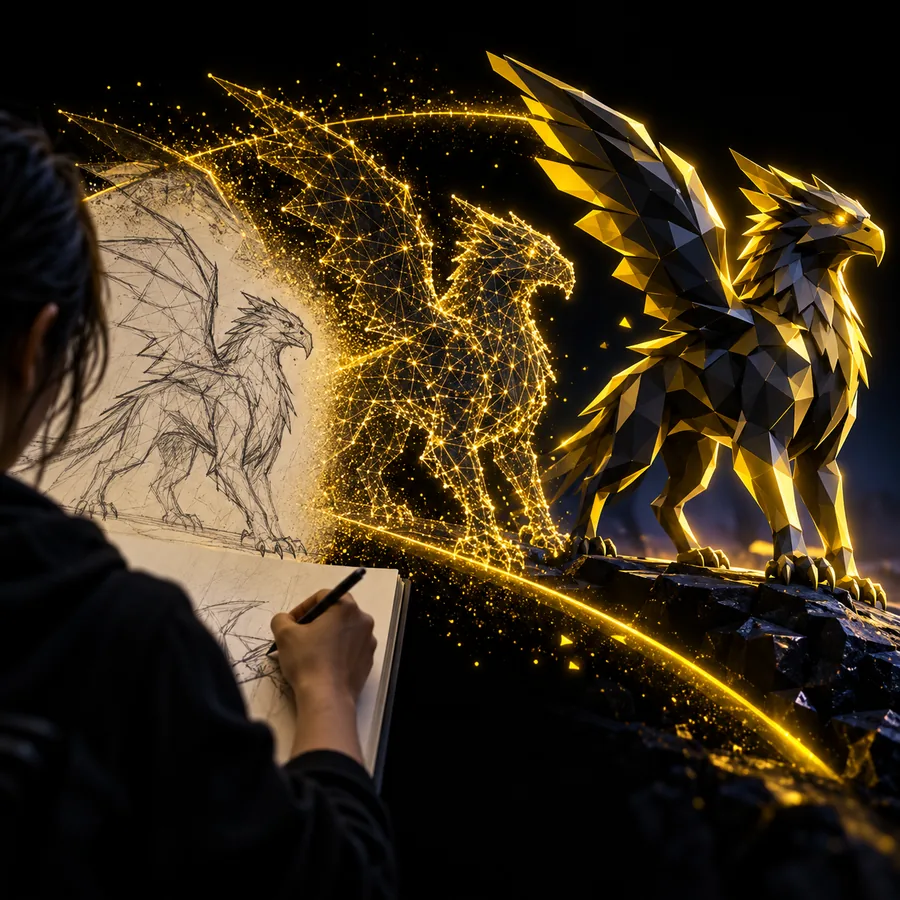
Tripoai landing image showing a generated 3D subject

Decide which case you are (decision table)

Use your available input to pick a path. Neither path guarantees a production-ready model on its first attempt.

  1. 1

    You have an idea, but no picture: Path A

    Start with text. Write a prompt for one recognizable object, then judge whether the Tripo model has the intended overall form before adding decorative details.

  2. 2

    You have a clear picture: Path B

    Start with an image when its silhouette matters more than a verbal description. A clean, unobstructed subject gives you a reference you can compare against the generated shape.

  3. 3

    You have neither: prepare a reference

    Sketch a simple object or write a short description first. Avoid combining several unrelated objects in your first Tripo attempt; it makes the result harder to diagnose.

Path A

Use the text route when you can describe the object more clearly than you can show it.

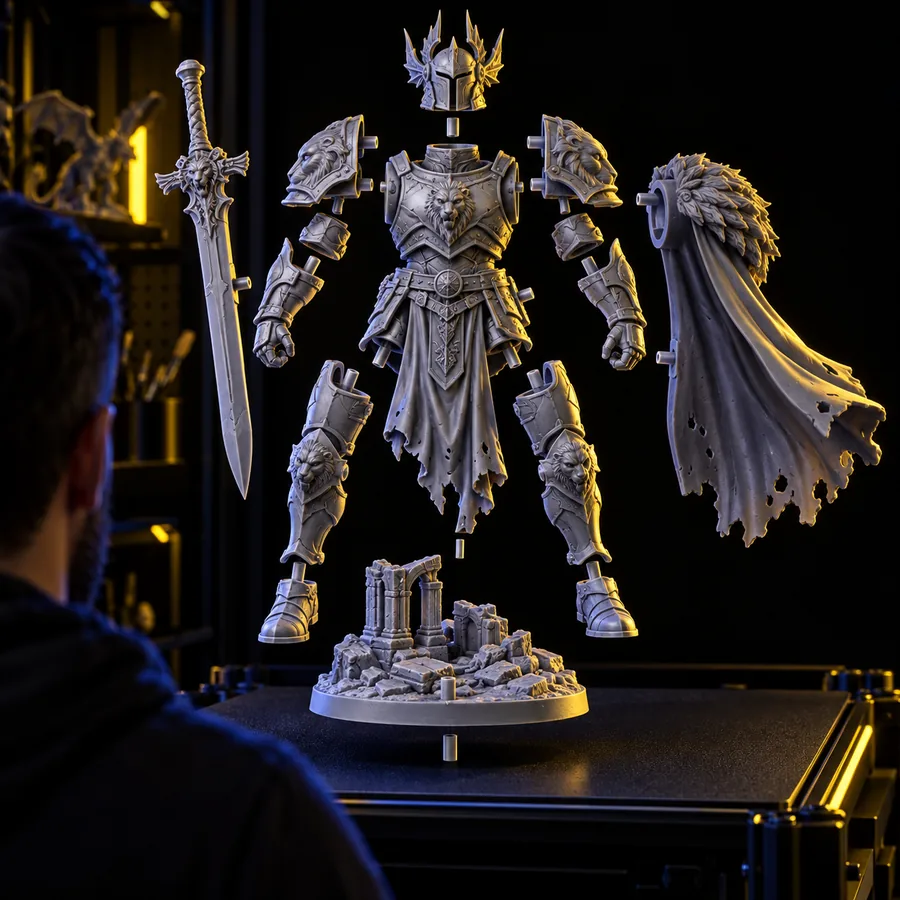
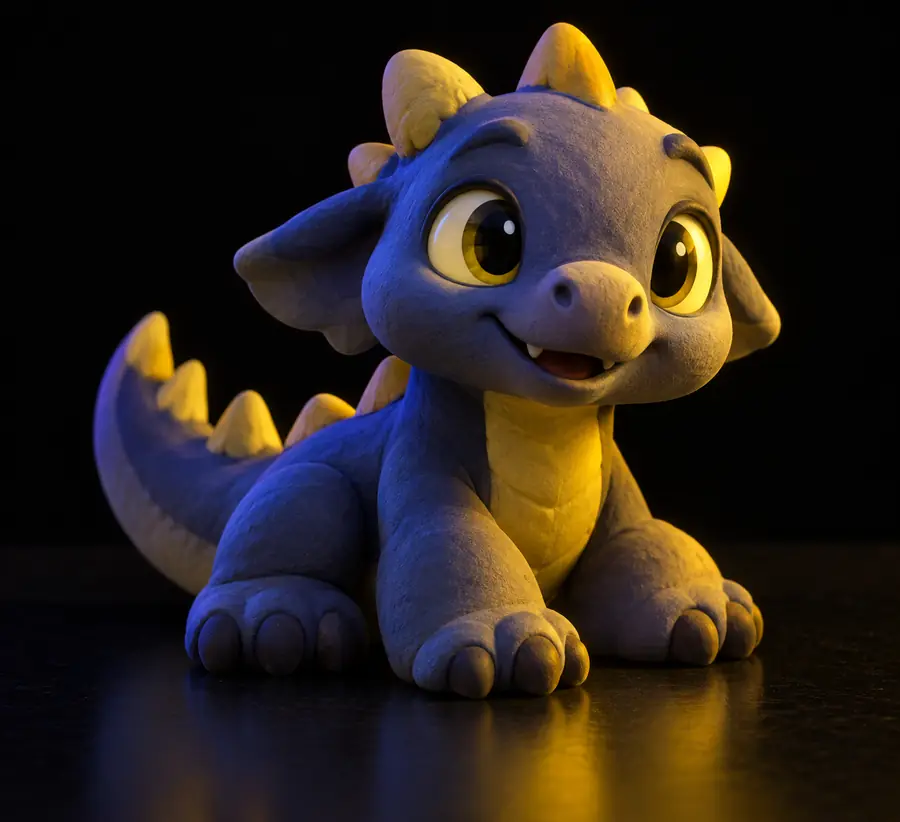
Example 3D subject illustrating a clear primary object

Describe a single subject

Begin your Tripo tutorial with a noun that names the whole object: a treasure chest, a desk lamp, or a fantasy helmet. Add its broad shape and two or three features that would remain visible at a glance. For example: a closed wooden treasure chest with a rounded lid and brass corner plates. This is easier to evaluate than a scene containing a chest, character, landscape, and dramatic lighting.

Prompt test

If you cannot identify the subject from the first few words, simplify the description.
3D example illustrating the need to inspect an object from multiple angles

Generate and rotate the result

Submit the description, then inspect the Tripo output from the front, sides, and back if a viewer is available. Ask whether the silhouette reads as your intended object before judging small surface details. A convincing front view can conceal an oddly shaped back or a handle that does not connect. Make a note of the largest mismatch rather than trying to correct everything at once.

First pass

Evaluate the whole shape before spending time on tiny features.

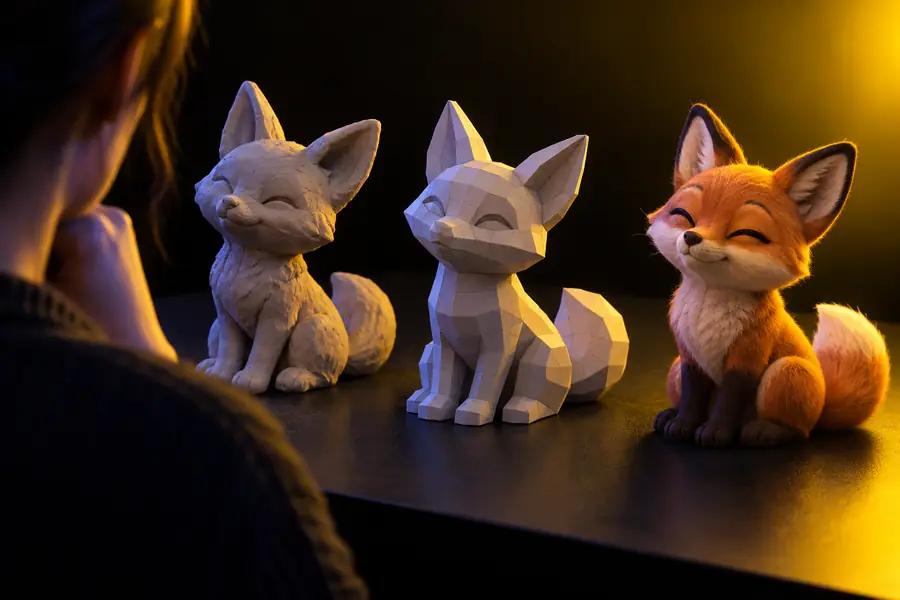
Example model used to illustrate a focused prompt revision

Change one instruction

If the outline is wrong, revise the shape words in your Tripo prompt. If the outline works but a defining feature is missing, name that feature more explicitly. Keep the parts that worked so you can tell whether your next attempt improved anything. Save the earlier prompt alongside the result; otherwise, two visually similar generations can be difficult to compare.

Revision rule

Change one major requirement per attempt so the effect is easier to see.

Path B

Use an image when a particular object's proportions or outline are the point of the exercise.

You must have

Without every one of these the route does not run.

  • Choose one image with a clearly identifiable main object.

    A crowded scene gives Tripo less unambiguous information about the subject.

  • Keep the complete outline visible rather than cropping off important parts.

    A missing leg, lid, or handle cannot be confirmed against the reference.

  • Use a view with limited overlap between parts where possible.

    A side hidden behind the object remains uncertain in a single image.

Nice to have

Skip any of these and the route still works — they only make it faster.

  • Have a second view of the same object for your own inspection.

    It can help you judge the result even if you start from one picture.

  • Write down the two features the model must preserve.

    Compare those features first instead of relying on an overall impression.

Choose a closer walkthrough

Continue with the guide that matches the input you picked above.

Adapt the route to your subject

The same first-pass principle applies across subjects, but the feature worth checking changes.

Prioritize recognizable structure

For a chair, lamp, or chest, start with the basic form and the parts that make it usable or recognizable. In Tripo, inspect whether legs connect, a lid has a plausible edge, or a lamp shade sits on its support before requesting ornament.

Text path: name the object and its defining parts.
Image path: avoid hiding those parts behind props.

Check pose and proportions

A character can look expressive from one angle while having confusing limbs from another. Give Tripo a simple pose description or a reference with a readable outline. Treat clothing and accessories as secondary until the body and major attachments are clear.

Inspect hands, feet, and equipment connections.
Separate silhouette issues from surface-detail issues.

State what to exaggerate

For a game-like prop, identify the one feature that should dominate: a broad hammer head, an oversized key, or a curved blade. Compare the generated Tripo shape with that intention. If the exaggeration disappears, revise the input before adding more style words.

Keep the main object isolated in the reference.
Use a short list of distinctive features.

A practical first-project schedule

These are suggested checkpoints for your own practice, not a history of Tripo releases or a promised generation time.

  1. Pick a small subject

    Select an object you can describe in one sentence or show in one clear image. Record why you chose the text or image path.

  2. Capture your input

    Keep the exact prompt or reference image. That gives your Tripo result a stable point of comparison rather than a remembered intention.

  3. Name the biggest mismatch

    Rotate the model where possible and identify one issue with its silhouette, proportions, or a defining part.

  4. Make a targeted revision

    Adjust the relevant prompt phrase or select a clearer reference. Compare the new result with the first before making another change.

Final check

Compare the broad silhouette first, then examine connections and surface details.

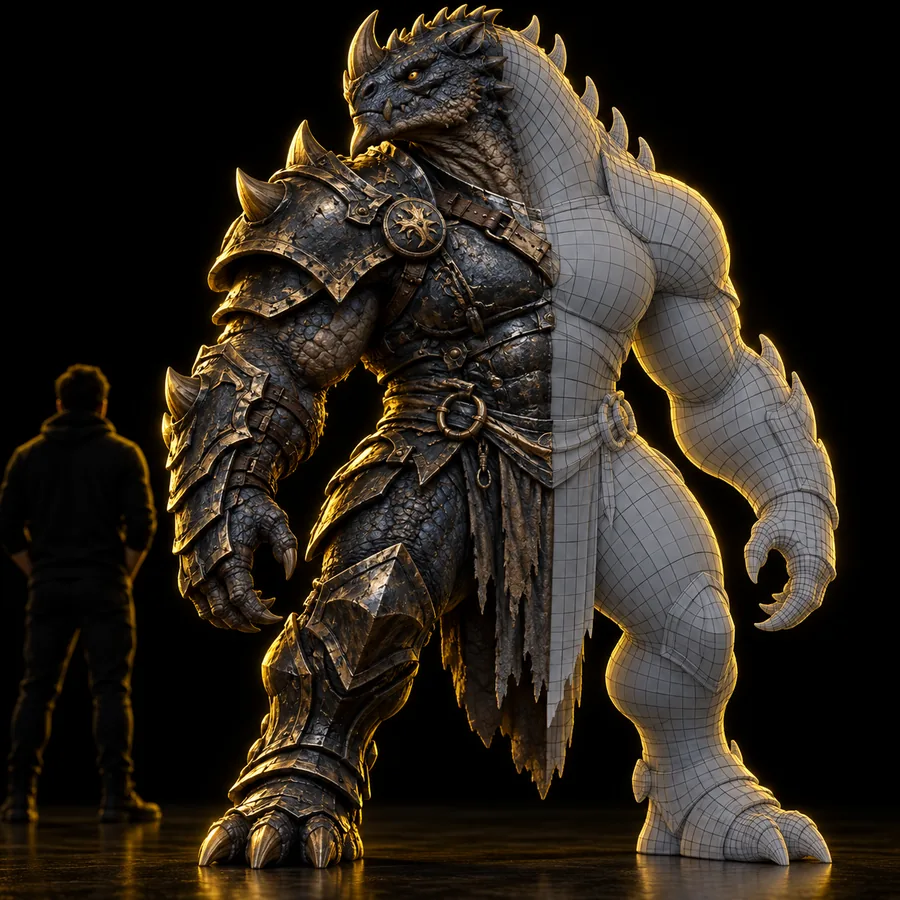
Illustrative fantasy character image emphasizing a simpler overall form Illustrative fantasy character image emphasizing more visible detail Shape first Detail next

These are illustrative character images, not a documented before-and-after of one Tripo generation. For your own model, compare views of the same subject and check whether its defining features survived.

Shape firstDetail next

Make your first attempt

Turn a clear idea into a model you can evaluate

Pick one object and follow the text or image path. Keep the input, inspect the resulting shape from more than one view, and make one focused revision if needed. The goal of this Tripo tutorial for beginners is a useful first comparison, not a claim that every output is finished on the first pass.

Create a 3D model
  • Start with one identifiable subject.
  • Check shape before fine detail.
  • Keep your input for comparison.

Tutorial FAQ

Try a small, familiar object such as a chest, mug, or lamp. Its major parts are easy to name and easy to check in the result, which makes your first revision more useful.

Start with text if you have a concept but no clear picture. Use an image if you need the output to reflect a particular outline or proportion; either way, focus on one subject.

Include the object name, its overall shape, and a few defining features. Leave out elaborate scenes and long lists of minor details until the basic form works.

Identify the largest mismatch before changing your input. Revise the shape description or choose a clearer reference, then compare the new result with the earlier one.

That depends on where you plan to use it. Inspect its shape from multiple angles and check any technical requirements of your destination workflow; a good-looking preview alone does not confirm that an asset is ready for a game, print, or animation.

Start creating
Start creating