Concept artist
Test several silhouettes for an imagined prop without drawing every view.
Keep the strongest draft as a starting point for refinement.
image to 3d modelPrompt to object
A text to 3d model workflow starts with a description, not a drawing. Describe the subject, its shape and its intended use, then inspect the generated object before treating it as a finished asset.
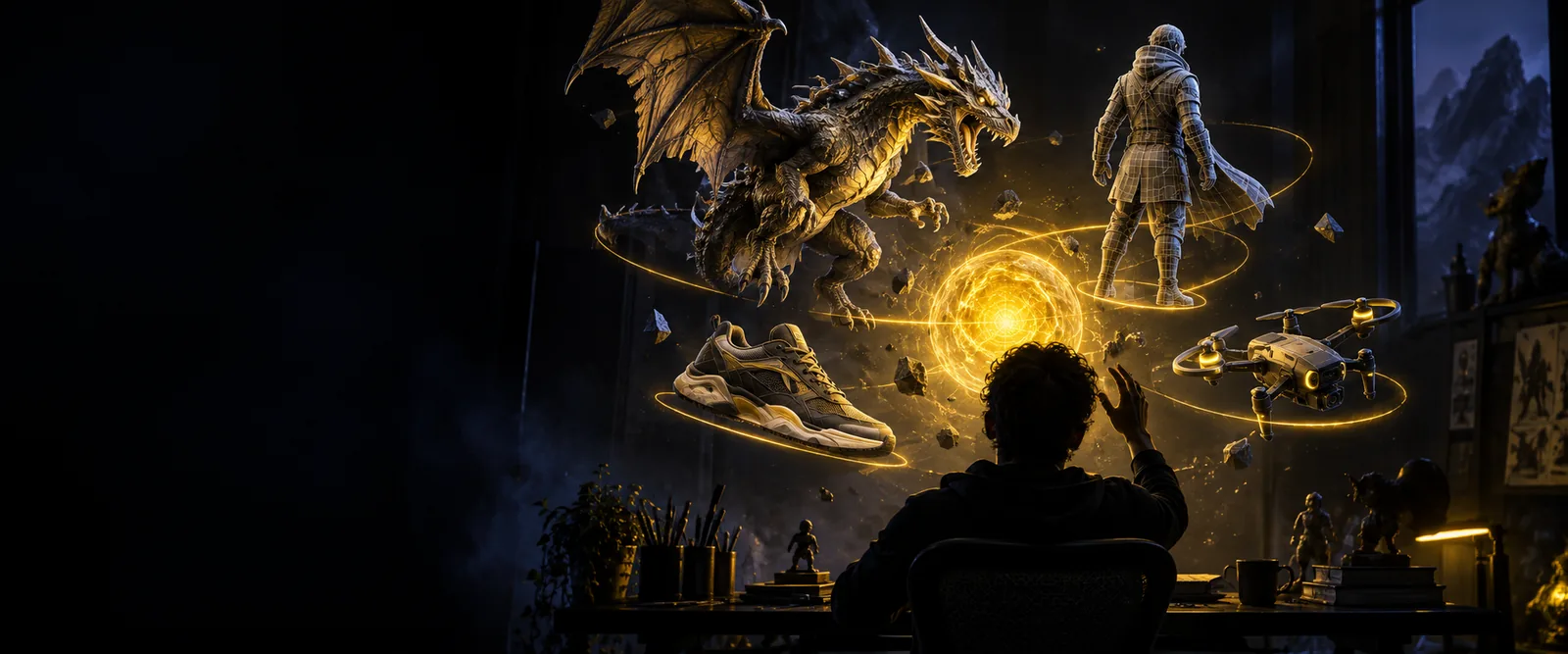
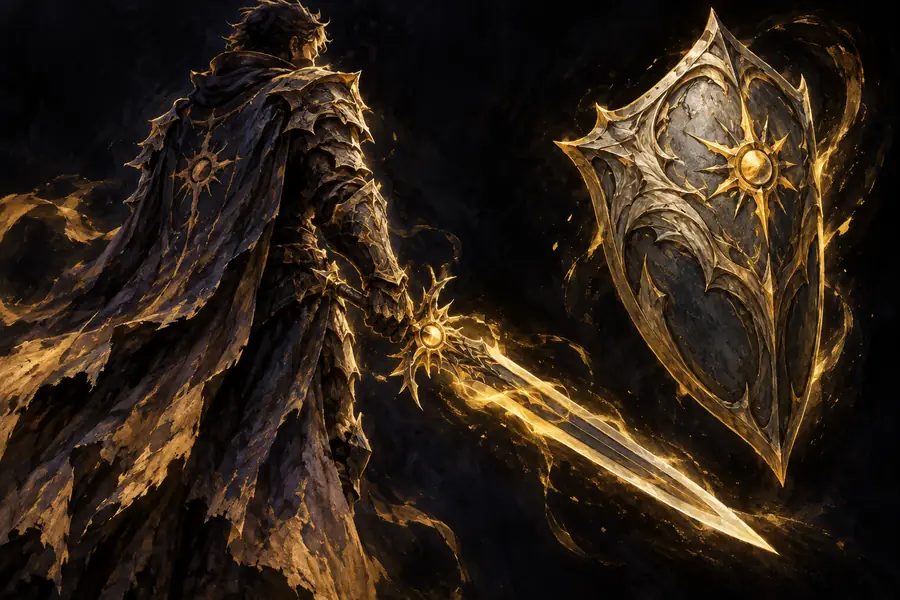
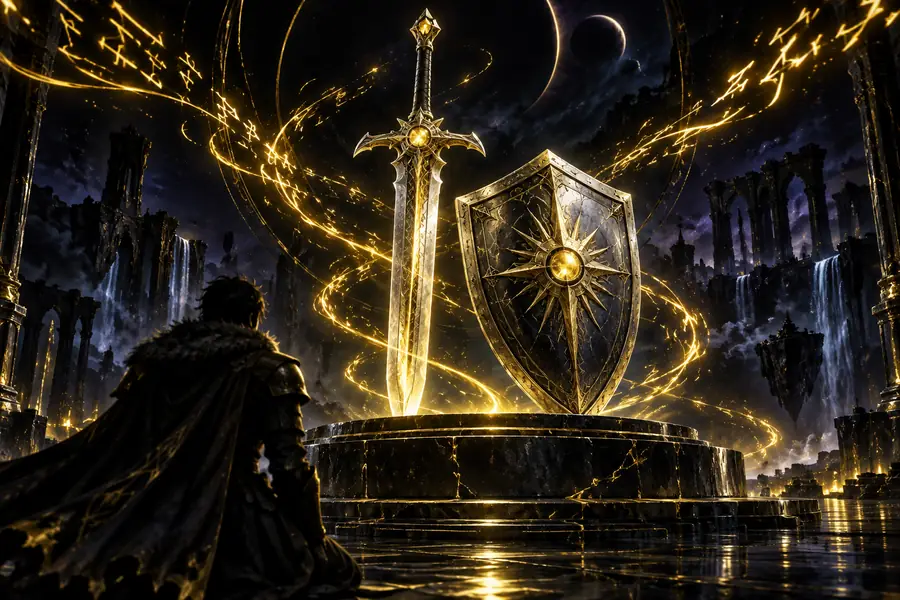
A description states intent; a generated object proposes visible form. Drag to compare the concept view with a model view, then use the table below to check what changed.
 Concept view
Model view
Concept view
Model view
These are illustrative views of different fantasy subjects, not a before-and-after result from one prompt.
Concept viewModel viewWritten instructions leave gaps. Generation fills them with choices you did not explicitly make, so a plausible image is not proof of usable geometry.
Overall shape
Written prompt
Names the subject and its intended silhouette
Generated draft
Chooses specific proportions that may need correction
Hidden surfaces
Written prompt
Usually leaves the back and underside undescribed
Generated draft
Must invent those surfaces
Small details
Written prompt
Can request handles, seams or fasteners
Generated draft
May merge, simplify or omit them
Scale
Written prompt
Can state intended dimensions
Generated draft
Still needs a scale check in the destination scene
Topology
Written prompt
Rarely specifies edge flow
Generated draft
Requires inspection before editing or deformation
Materials
Written prompt
Describes color and finish in words
Generated draft
May interpret those descriptions differently
Start with a prompt when shape matters more than exact reference matching. Give the generator a subject, distinctive features and a style; use a visual reference when those choices must be precise.
Test several silhouettes for an imagined prop without drawing every view.
Keep the strongest draft as a starting point for refinement.
image to 3d modelBlock out a background object from a short design brief.
Inspect its silhouette and geometry before placing it in a scene.
ai 3d model generator for game developersDescribe a stylized character or creature for an initial form study.
Check thin parts and connections before considering fabrication.
low poly 3d model generatorTurn a specific object idea into a draft without preparing reference art.
Revise the wording after identifying missing or distorted features.
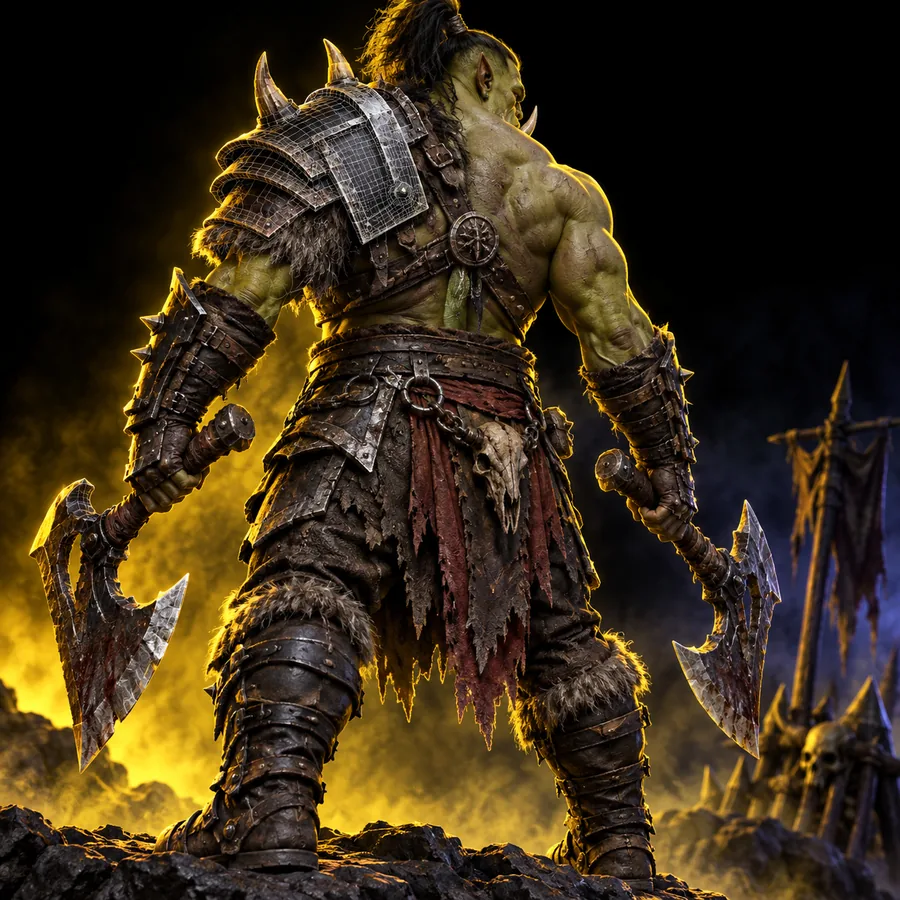
how to use tripo aiUse these sample prompts to plan your own checks. The gallery images illustrate possible outputs; the prompts are examples to try, not a claim about how those images were made.
 Object
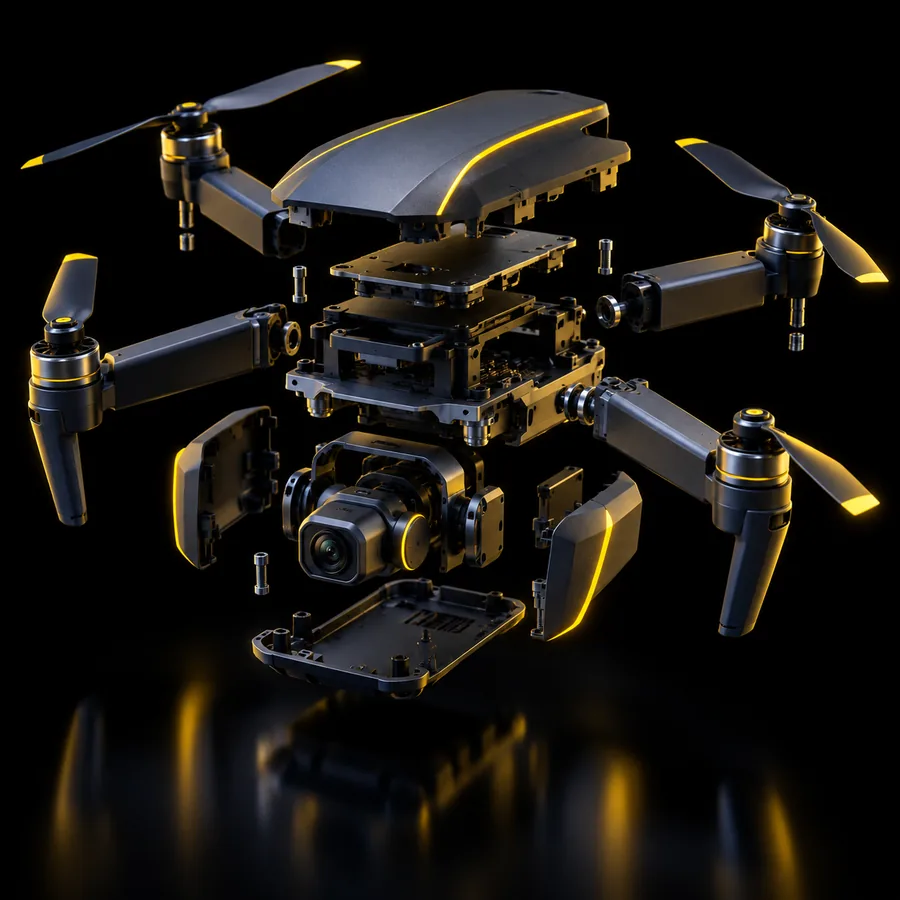 Character
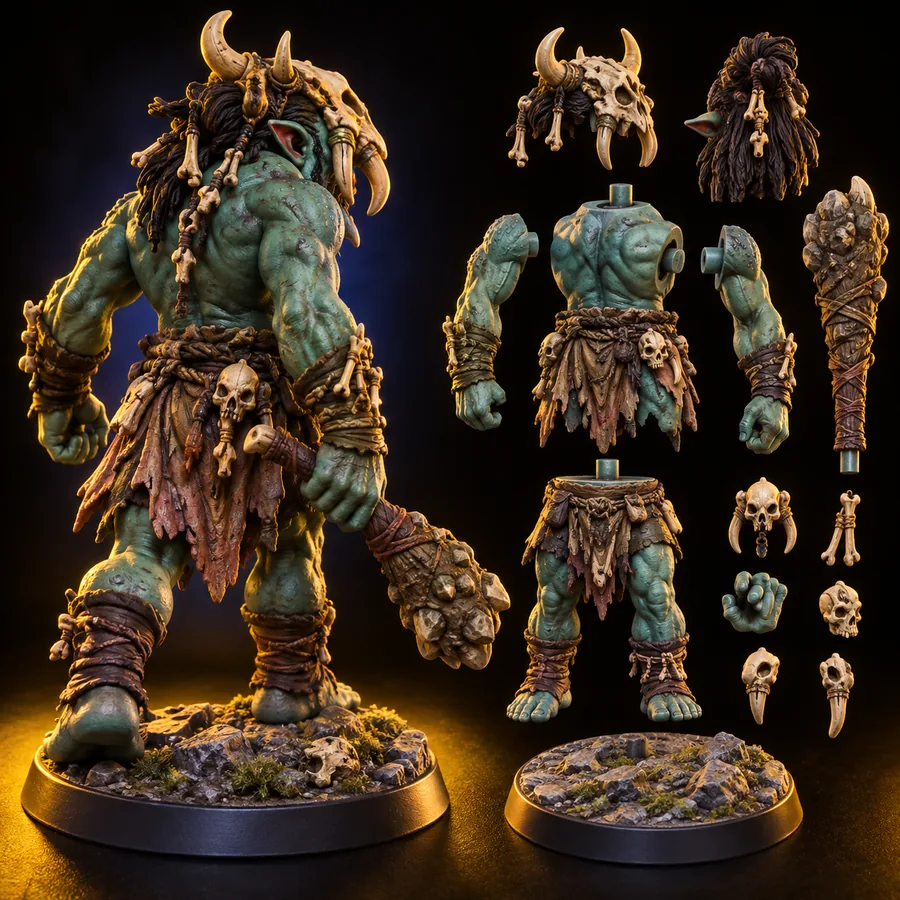 Prop
Prop
The best input depends on what you already know: words are flexible, while a picture can constrain appearance more closely.
Name one subject, its defining parts, silhouette and intended style. Avoid competing instructions that leave the main shape ambiguous.
Rotate the result and look for missing parts, fused surfaces, unexpected openings and a back that does not match the front.
Check scale, geometry and materials in the setting where the object will be used. Revise the prompt or edit the draft when those checks fail.
A useful text to 3d model prompt specifies the subject and the features you must be able to recognize. Generate a draft, inspect it from multiple angles and refine the result before relying on it.
Generate 3D modelA text-led generator can produce a draft from a written description without an uploaded reference image. The description should identify the main subject and distinctive features, but you still need to inspect the result.
State what the object is, its overall silhouette, important visible parts and the style you want. Add constraints that are easy to check, such as the number of wheels or the shape of a handle, rather than a long list of vague adjectives.
Not necessarily. Details can be simplified, merged or interpreted differently, especially on surfaces the description does not define. Rotate the draft and compare its parts against your prompt.
Use an image when a particular shape, pattern or appearance needs to be followed closely. Use text when you are exploring ideas and can accept several possible interpretations of the same description.